Three questions that never clock out.
“Did I take enough?”
One number for how your coverage compares to the carbs you’ve eaten, at your own ratio. The gauge moves as doses land; the line below shows how many grams you’re ahead or behind.
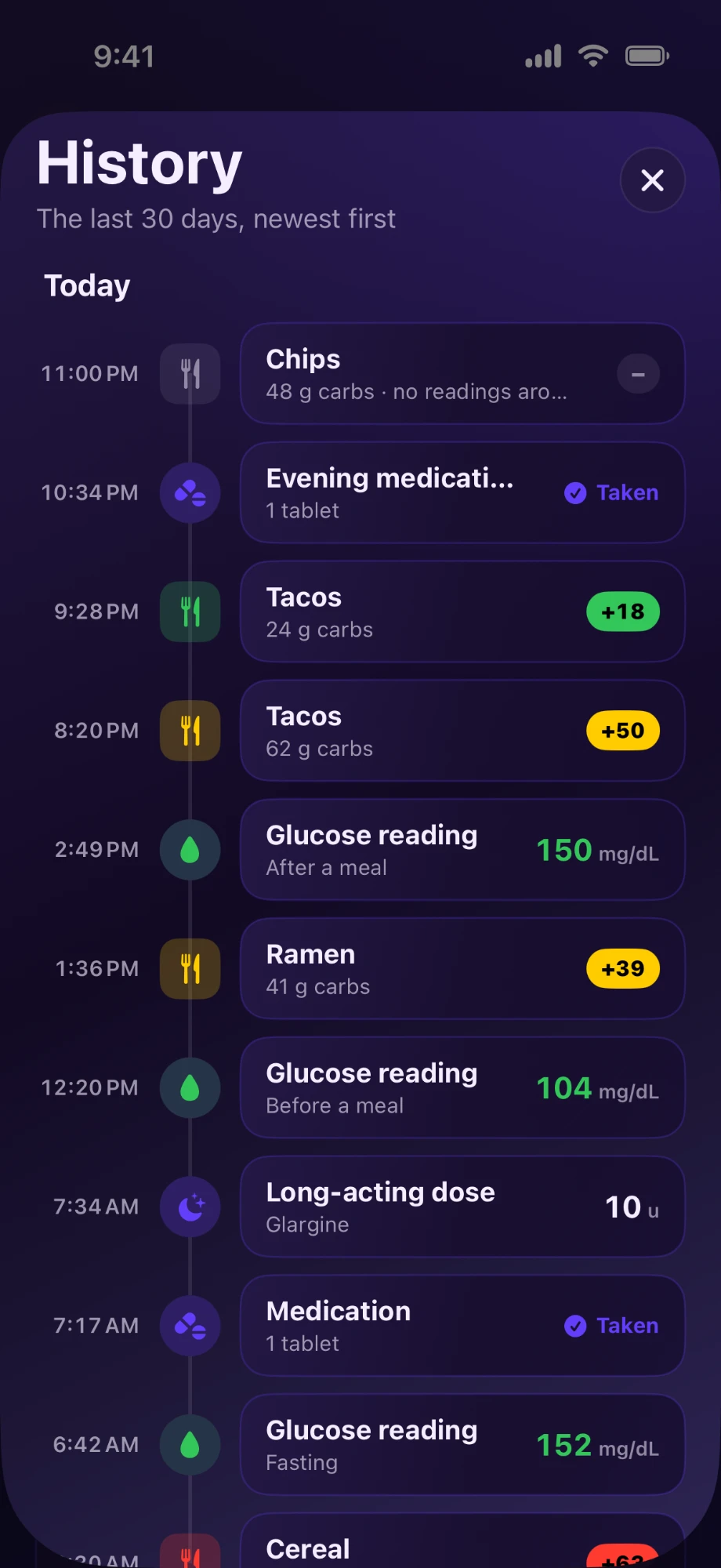
“When did I take that?”
Every dose gets its own four-hour clock, so when you took it is on the screen instead of in your memory. The color changes with each phase — fresh, working, check window. What you do with that is between you and your care team.
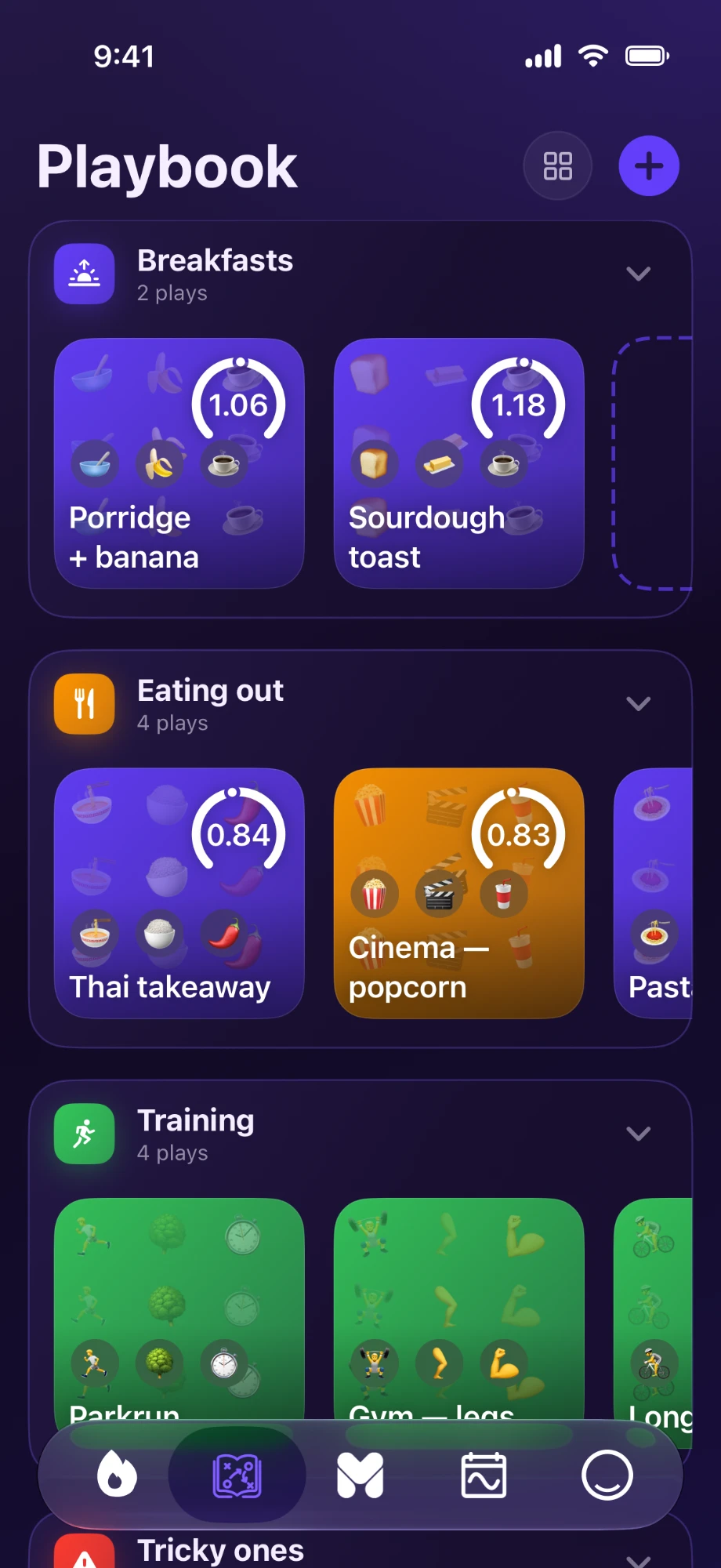
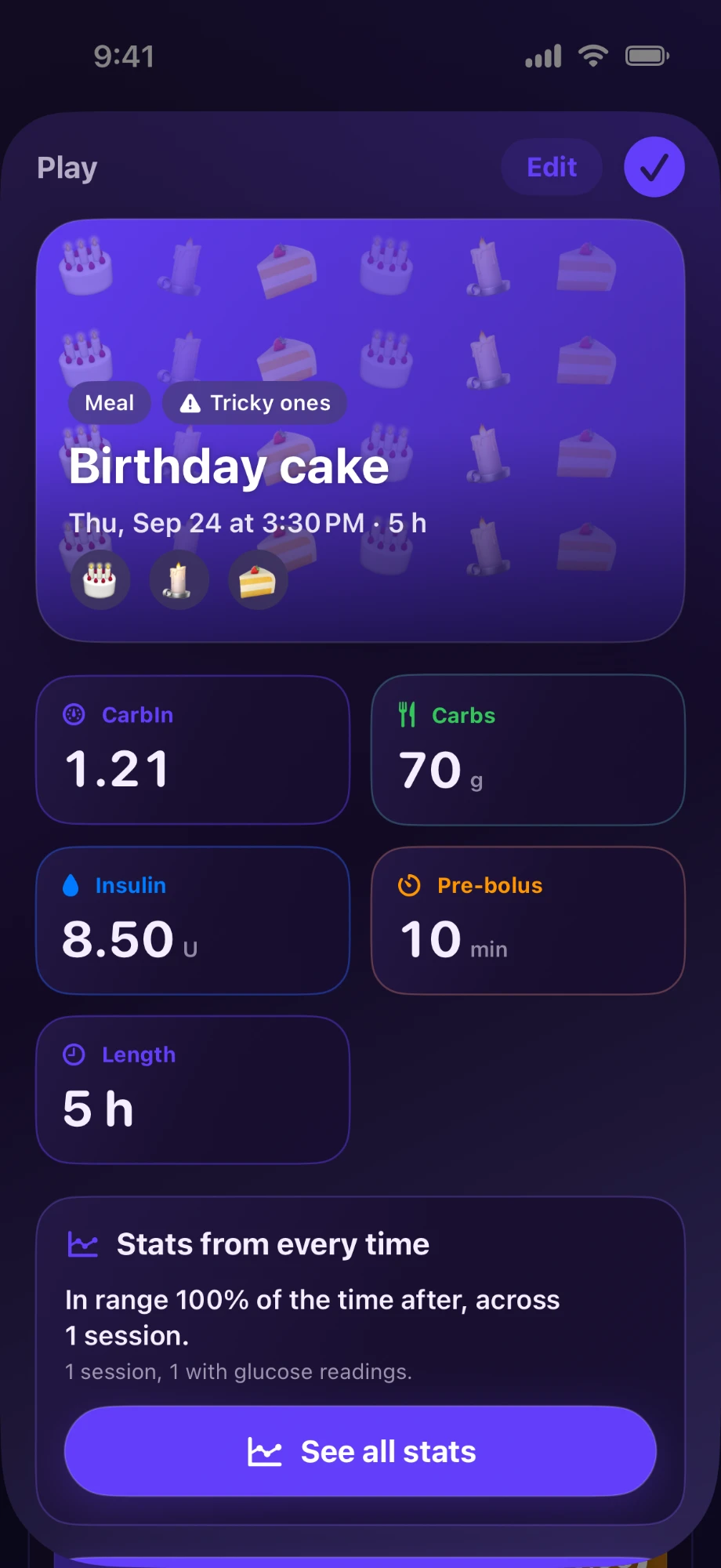
Pizza night, the sequel.
Some days just work. The Playbook saves them, each stamped with its CarbIn, so next pizza night you can look back at the one that went well.
Catch a drift while it’s still small.
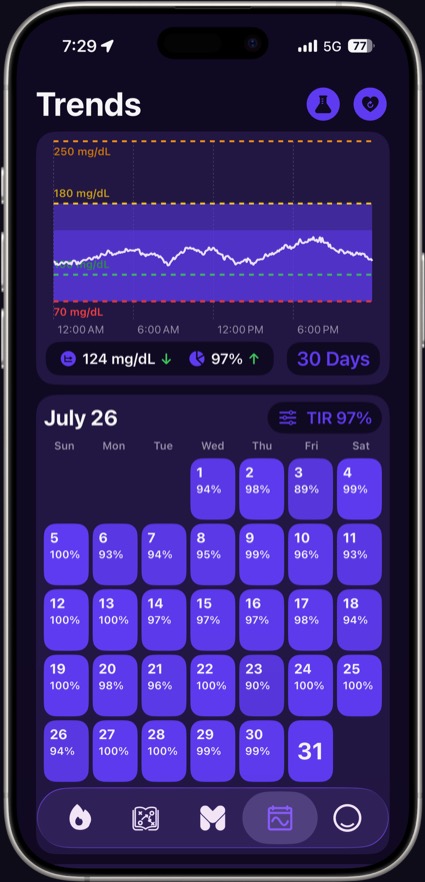
A week can drift before anything feels different. A CarbIn calendar turns every day into a tile, so the drift shows up early — while it’s still easy to act on.
Without reaching for your phone.
The same CarbIn gauge, on your wrist — your carbs and units in one glance, no phone out of your pocket. Doses and meals you log keep the wrist current on their own.
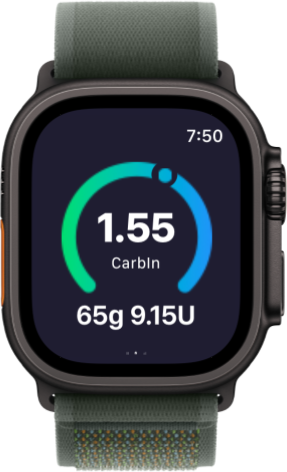 Straight from the wrist
When you're low, math is the last thing you can do. Low Mode gets out of the way — a simplified screen for treating first and logging after, with nothing to calculate in the moment.
Let the people who help you, like a parent or a roommate, follow along. You choose who sees your day, and you can remove anyone at any time.
Every tab, as it ships.
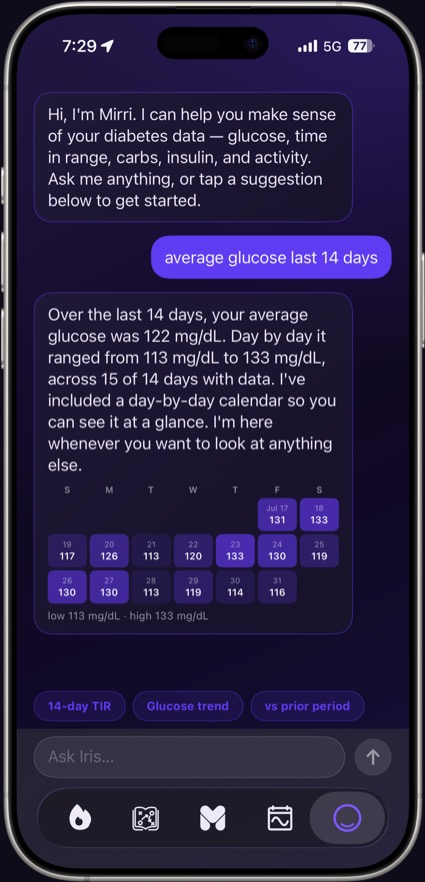
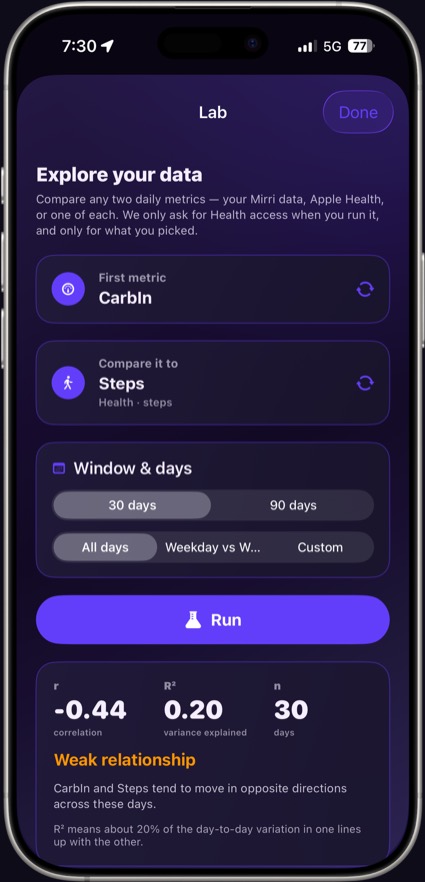
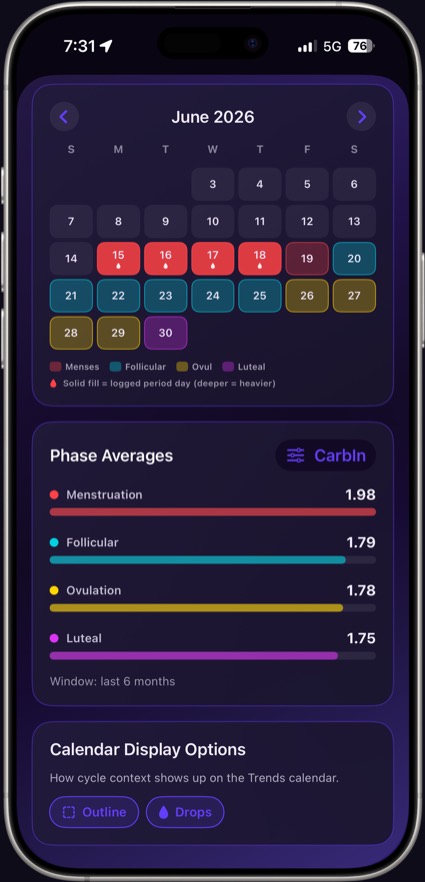
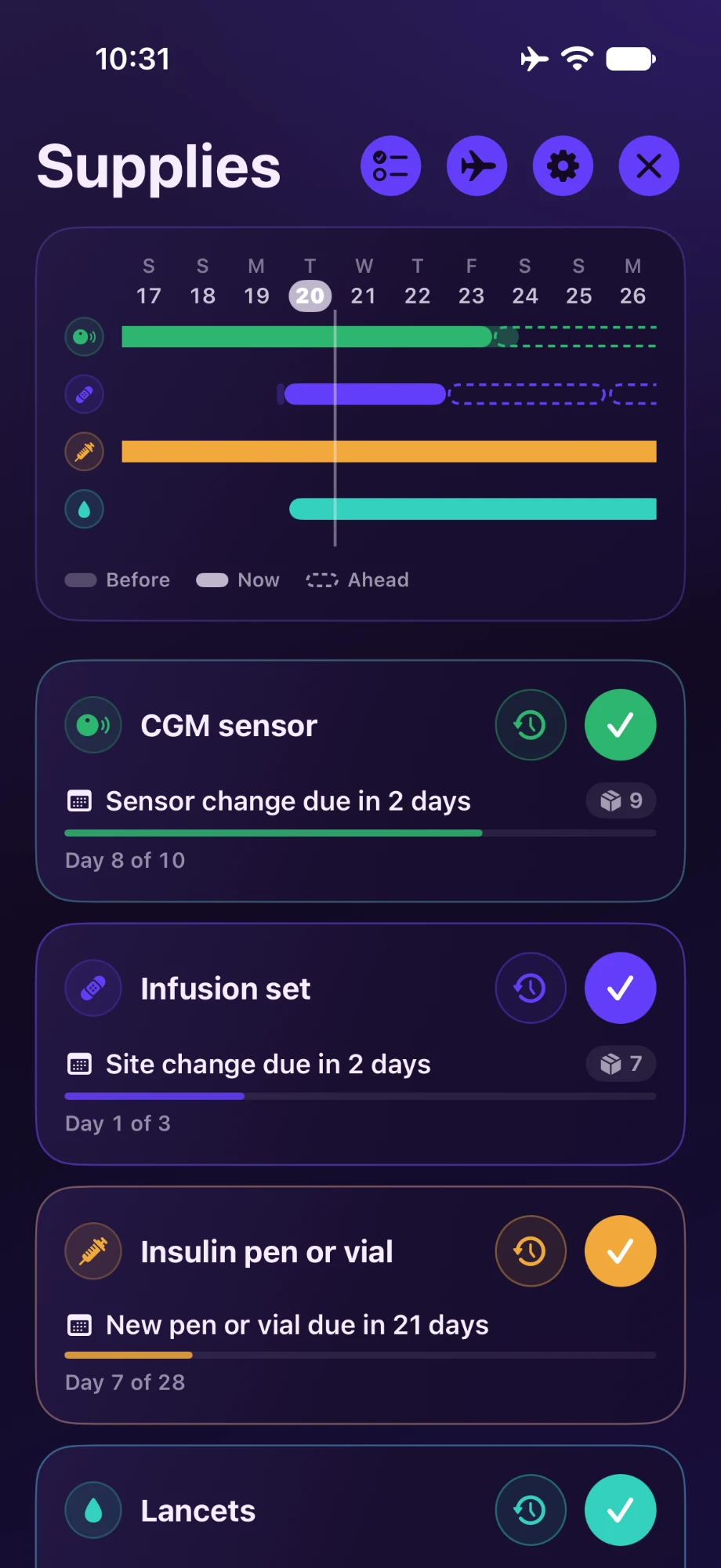
Real captures from the app on iPhone — not mockups. Scroll across.
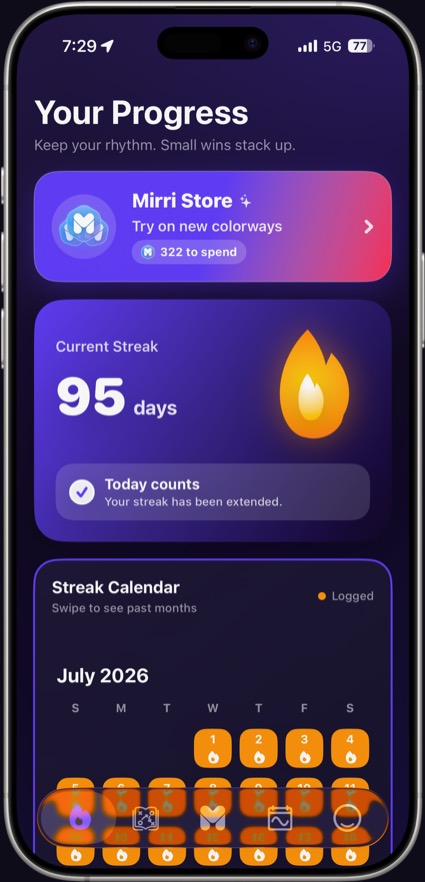
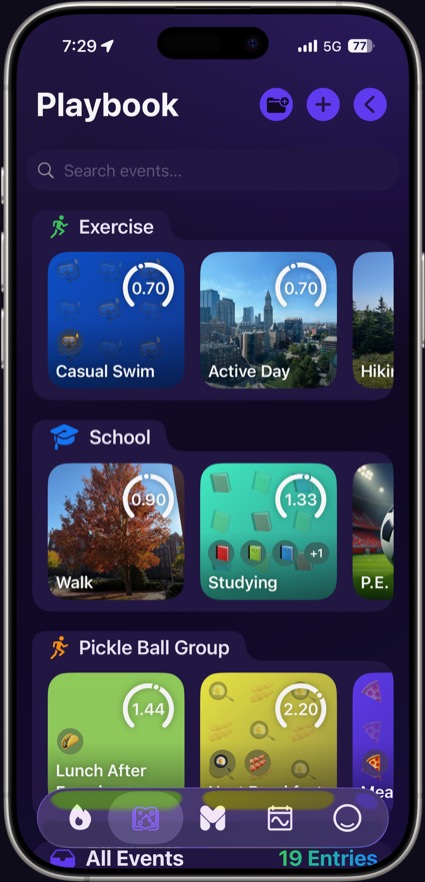
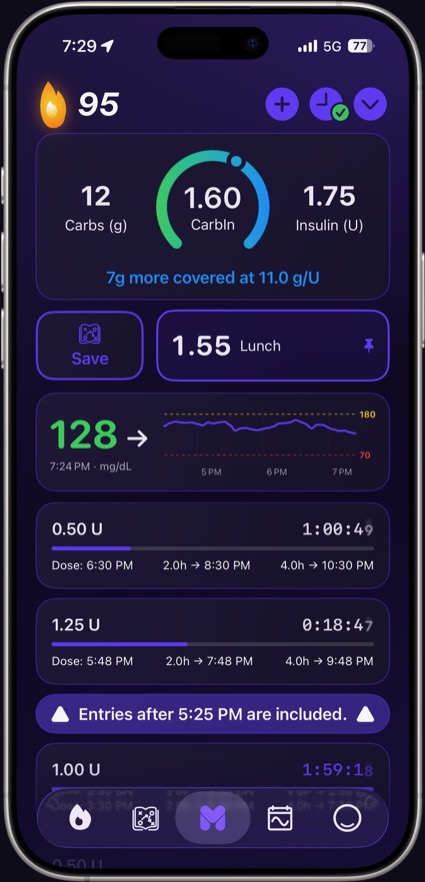
More of your day, on one phone.
Put Mirri One in your pocket.
Free on iPhone and Android. Use it next to your CGM or pump.


Mirri One is in active beta. Some features shown on this page and in the demo are still in development and may change, ship later, or look different in the App Store build. The Mirri One Mini demo is a simulation with demo data, not a recording of the shipping app.
This application and its contents are provided for informational purposes only and are not intended to replace professional medical advice, diagnosis, or treatment. Never rely on this information for medical decisions. Always consult your qualified healthcare provider regarding any medical condition or treatment.
 Mirri Diabetes